Getting Started · chapter 7 of 9 · ● ● ● ● ● ● ● ○ ○
7 · Add it to your repository
Goal: your test and the workflow that runs it are committed on a branch of your fork. Time: 10 minutes
Steps
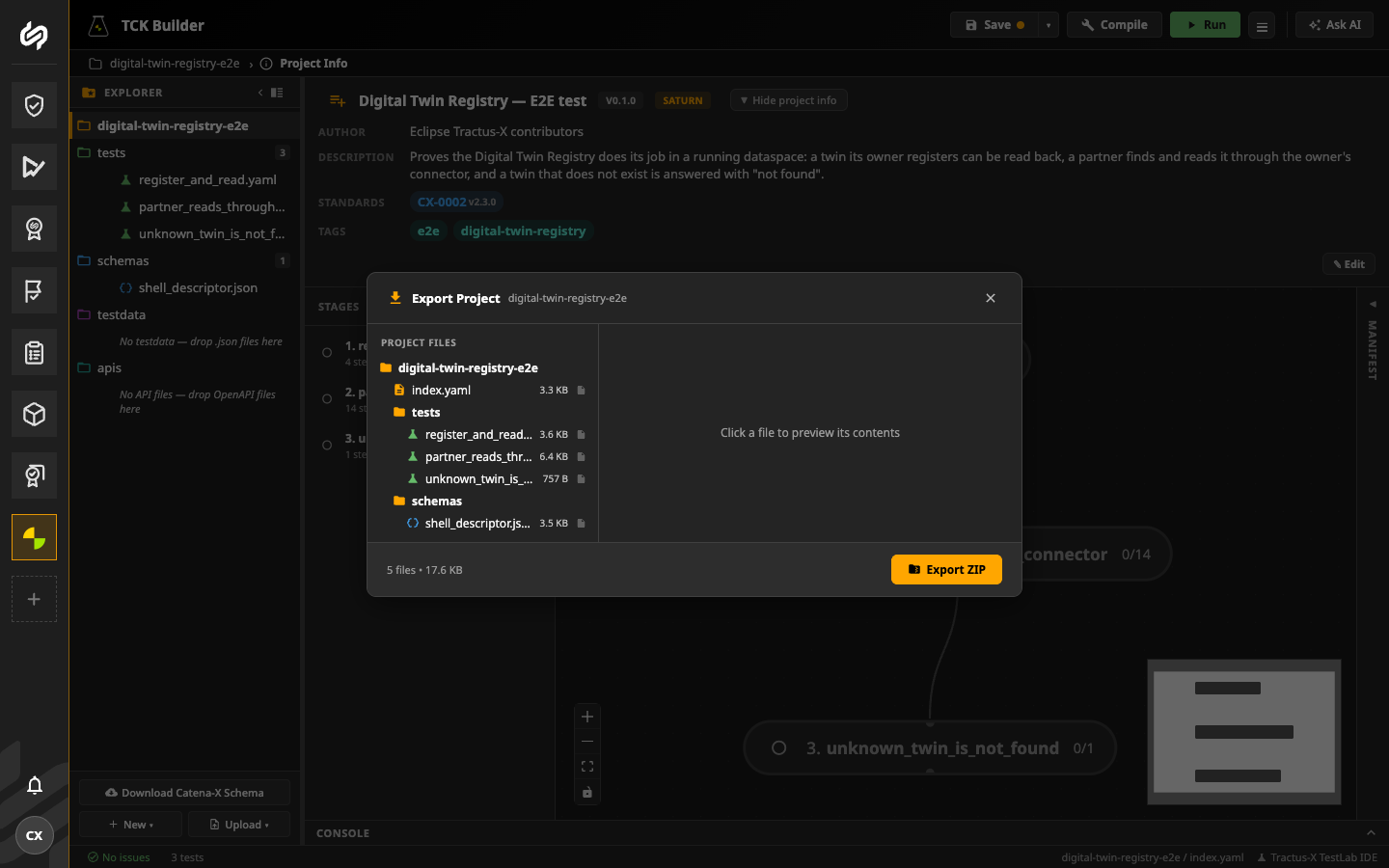
- In the IDE, click the ☰ menu at the top right, then File, then Export. In the dialog, press Export ZIP. The file lands in your downloads folder, named after your project.
-
Open a terminal and clone the fork you made in chapter 2:
-
Unpack the ZIP into the folder
tck/e2e: -
Add the workflow. It is the same for every product:
-
In the same terminal, add the licence header to your test files. Eclipse projects need it on every file, and the IDE's export does not write it:
-
Commit, with a sign-off:
You should now see
    test: add an E2E test

    Signed-off-by: Your Name <you@example.org>

 .github/workflows/e2e-test.yml               |  44 ++++
 tck/e2e/index.yaml                           | ...
 tck/e2e/tests/<your-first-test>.yaml         | ...
 tck/e2e/tests/<your-second-test>.yaml        | ...
And this is all the workflow is: a few lines that call a reusable workflow.
Tip
Stuck?
curlanswers 404: the tutorial is not published at that address yet. Ask a facilitator for the address to use, also for theuses:line of the workflow file.- No
unzipon your machine: unpack the ZIP with your file manager and moveindex.yamlandtestsintotck/e2e. - Your repository already has a folder
tck/e2e: choose another folder, and changetck-directoryin the workflow file to match. - Your product does not run in the developer toolbox: open
.github/workflows/e2e-test.ymland addrun-in-toolbox: falseundertck-directory. The workflow then validates and compiles only. See The workflow. Signed-off-byis missing: you forgot-s. Rungit commit --amend -s --no-edit.
NOTICE
This work is licensed under the CC-BY-4.0.
- SPDX-License-Identifier: CC-BY-4.0
- SPDX-FileCopyrightText: 2026 Contributors to the Eclipse Foundation
- SPDX-FileCopyrightText: 2026 Catena-X Automotive Network e.V.
- Source URL: https://github.com/eclipse-tractusx/tutorial-resources
 matbmoser
 CDiezRodriguez