Open-source AI agents that know the dataspace
Our repositories come with their own AI agents: experts on the connector, identity, the umbrella chart, Dataspace Management, the KITs and the Testlab. They live next to the code, are open source like it and work in Claude Code or GitHub Copilot.
- Agents
- 10
- Repositories
- 7
- AI assistants
- 2
An expert for every product
Each agent knows one repository inside out: its code, its specifications and its release history.
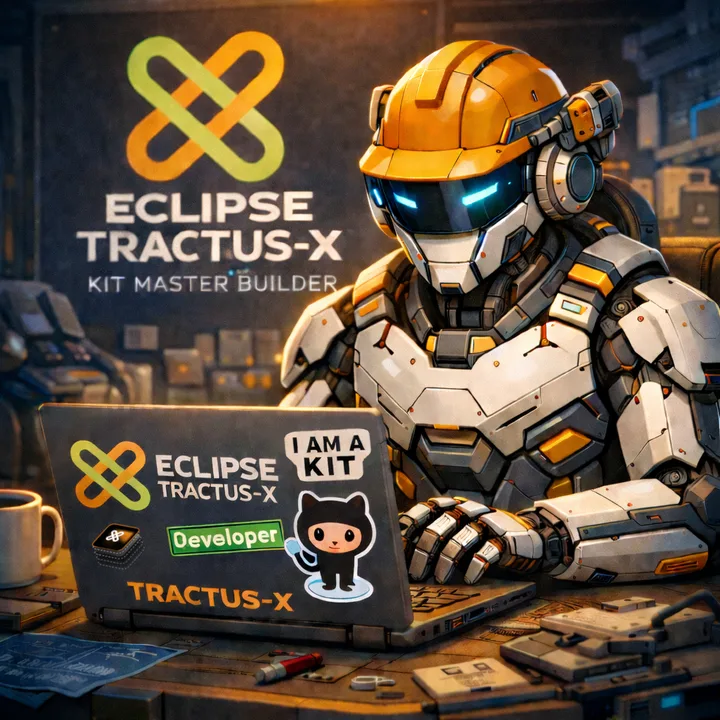
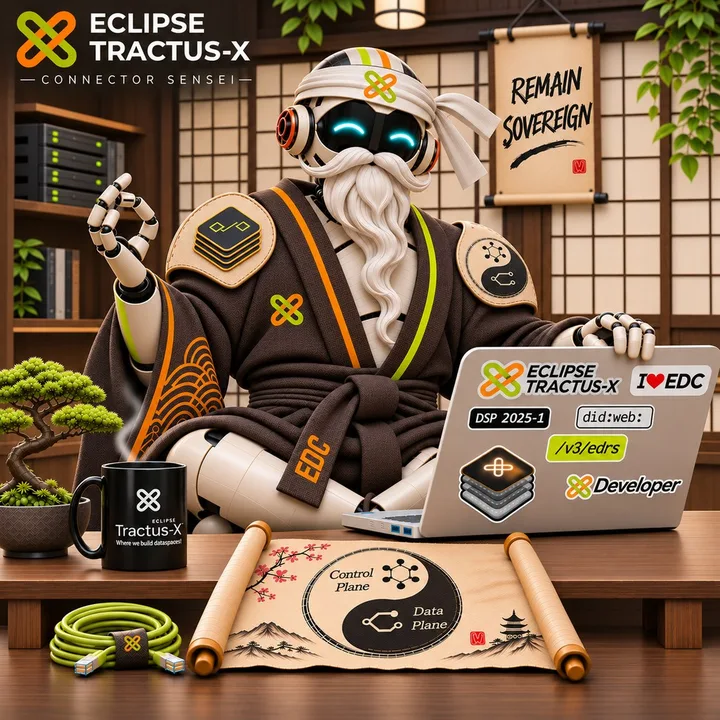
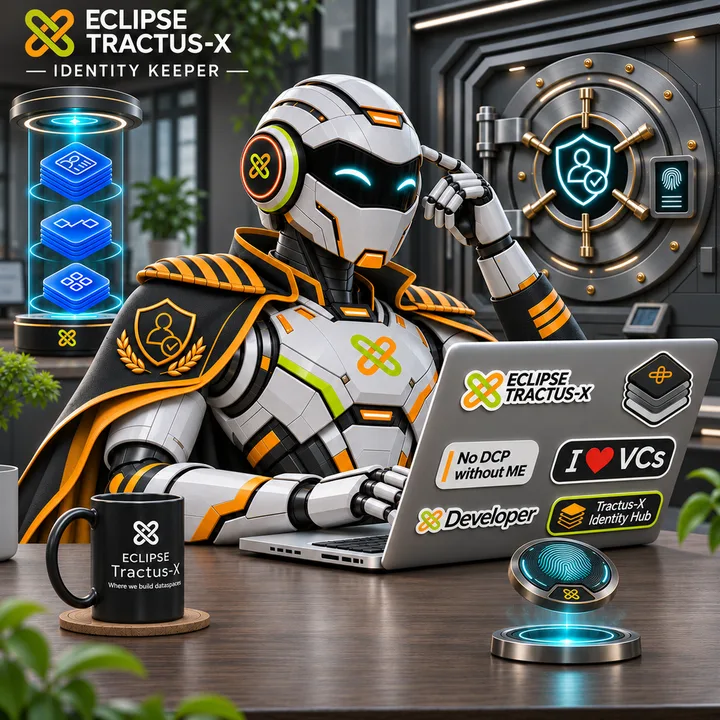

Building AI, together.
IPCEI AI projects and other AI initiatives can build on the same open Tractus-X core: the connector, identities and usage policies that let partners share data for AI with trust. Join the community and get your project listed.
Built for open-source collaboration
Grounded in the code
The agents answer from the code, configuration and specifications they open in the session, not from memory, and they cite the files they used.
Release Guidelines built in
The KIT Master Builder and the Umbrella Guardian review changes against the Tractus-X Release Guidelines and cite the TRG with a fix.
Open about being AI
When the agents with a picture write on GitHub, they post under their own avatar with an AI disclosure and name the person on whose behalf they act.
One crew
Each agent owns its product. The Dataspace Captain and the Identity Keeper hand questions about other products to the agent that owns them.
Agents that call each other
Ask the Dataspace Captain a question that belongs to another product, and it names the agent to ask and the exact question to ask it.
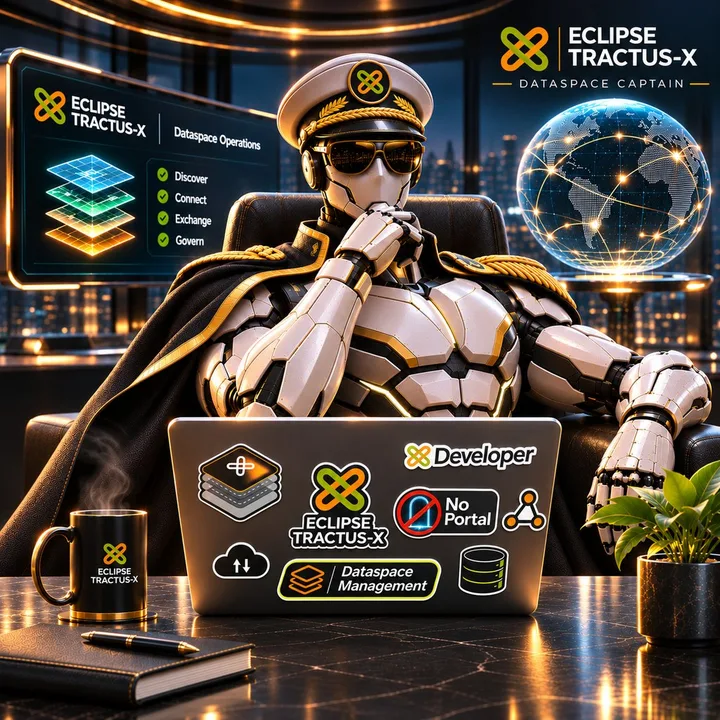
Dataspace Captain
Sees the whole chart: it answers the Dataspace Management part itself and calls the specialist that owns the product for everything deeper.
Talk to an agent in two minutes
Clone the repository of the product you work on. The agent comes with it.
Claude Code
Start Claude Code with the agent from the repository root. The agent id is the file name of its definition, for example connector-sensei or umbrella-guardian.
git clone https://github.com/eclipse-tractusx/tractusx-edc.git
cd tractusx-edc
claude --agent connector-sensei
GitHub Copilot
Open the repository in VS Code, open Copilot Chat in agent mode and select the agent in the agent picker. Reload the window if it does not appear yet.
- Open the repository in VS Code.
- Open Copilot Chat and switch to agent mode.
- Pick the agent, for example Connector Sensei, and ask your question.
Bring your repository's agent
Does your Tractus-X repository have an agent? Show it here, so the community can find it.
- Put the agent definition and its picture in
.github/agents/of your repository, with aREUSE.tomlfor the picture. - Add the agent and its profile to
data/aiAgents.jsof this website and a 720×720 WebP of its picture tostatic/img/ai/agents/. - Run
npm run validate:aiand open a pull request.